On this page
- QR code vs credential ID vs file upload: how do they compare?
- When should you use a QR code instead of a credential ID?
- When is a credential ID better than a QR code?
- When does file upload help?
- Which verifiers use each method
- Setting up all three: QR code or credential ID or upload
- Security notes for every method
- Frequently asked questions
Short answer: A QR code scan is the fastest way to verify a certificate, a typed credential ID is the most universal (it works without a camera), and uploading the certificate file helps when someone has the document but not the ID. The most reliable verification pages support all three and check the same live record each time.
Verifiers come in all shapes: a recruiter on a phone, an auditor at a desk, a client with a forwarded PDF. So when you weigh up a QR code or credential ID, the honest answer is that you need both – and offering more than one method means you never turn a verifier away.
Key takeaways
- QR scan: fastest, ideal on paper and phones.
- Typed ID: works everywhere, including over the phone.
- File upload: for when only the document is to hand.
- All three should hit the same register and give the same answer.
QR code vs credential ID vs file upload: how do they compare?
| Method | Best for | Speed | Needs |
|---|---|---|---|
| QR code scan | Printed certificates, phones | About 1 second | A phone camera |
| Credential ID | Desk checks, phone calls, accessibility | A few seconds | The ID printed on the certificate |
| File upload | Forwarded PDFs or photos | A few seconds | The file or a photo of it |
When should you use a QR code instead of a credential ID?
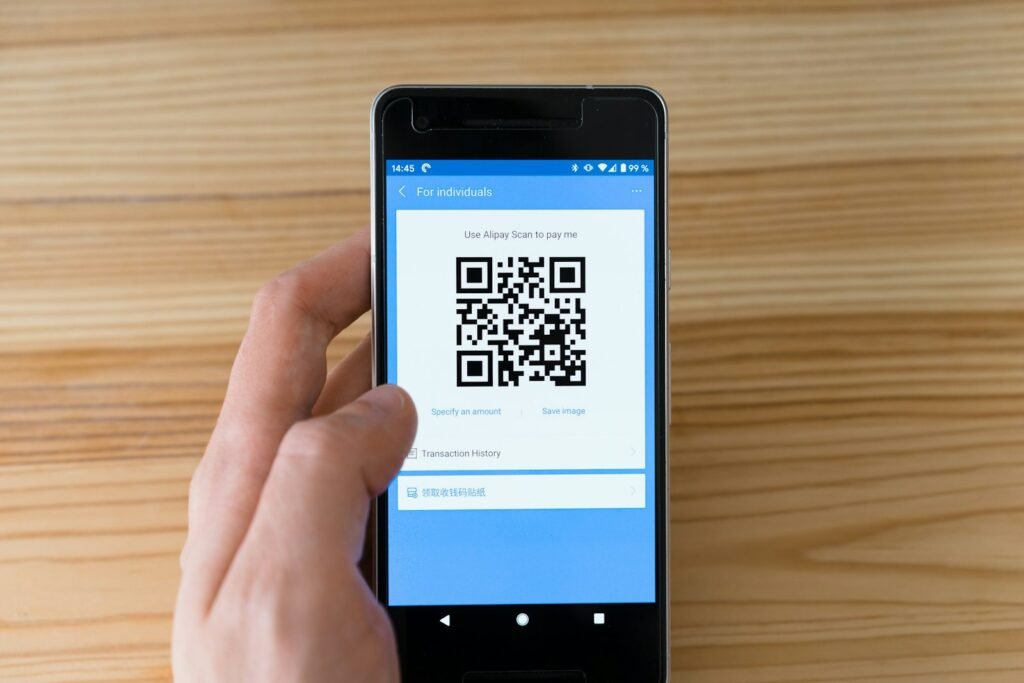
Whenever someone prints or displays the certificate. A QR code removes typing errors and opens the issuer’s page directly, which also shows the verifier whose domain is vouching for the record.
When is a credential ID better than a QR code?
When there is no camera, when the code has a scratch or tear, or when someone reads the certificate aloud over the phone. Also, short, readable IDs like TRN-2026-0042 make this painless.
When does file upload help?
For example, HR teams often receive certificates as attachments. Uploading the PDF or a photo lets the verification page read the QR code from the file and check the record – no retyping. Crucially, the file only decides which record to look up; the register decides the answer, so an edited copy cannot pass.
Try all three on the live verification demo, or read our guide on spotting a fake certificate.
Which verifiers use each method
- Recruiters on the move mostly scan the QR code on a phone.
- HR and compliance teams often type the ID from a scanned copy.
- Clients who receive PDFs by email find upload the quickest.
- People using screen readers often prefer typing the ID.
Setting up all three: QR code or credential ID or upload
With CertiQR, the QR code and the credential ID work out of the box, because every certificate carries both. In addition, the CertiQR Pro licence adds the upload option to the same verification form. As a result, one page handles every situation, and every method checks the same live record.
Security notes for every method
Each method is only as secure as the page it leads to. For example, a QR code that opens an unfamiliar domain deserves suspicion, however professional the certificate looks. Similarly, an uploaded file only identifies a record; the register always decides the answer. So teach verifiers one rule: trust the issuer’s own page, not the document.
In addition, the W3C Verifiable Credentials Data Model is a useful, independent reference if you want to read further.
Frequently asked questions
QIs a QR code alone secure?
A QR code is only a link. Security comes from where it leads: the issuer’s own domain and a live record. Always check the domain the code opens.
QWhat if the QR code no longer scans – does the credential ID work?
Type the credential ID printed next to it. A good verification page accepts both and returns the same result.
QCan someone fake a certificate that passes an upload check?
Not if the verification page does its job: the upload only identifies the record, and the answer comes from the issuer’s register, which the forger cannot change.
Ready to try it?
Give verifiers every way to check your certificates – scan, type or upload – on your own domain. Try CertiQR free for 7 days.
Do I need different pages for the QR code or credential ID checks?
No. One verification page accepts both, and with a licence it also accepts uploads.
Which method do most verifiers use?
Scanning is usually the most common on mobile. However, typed IDs remain important for desk checks and accessibility.

We build CertiQR, the WordPress plugin for issuing certificates and verifying them with a QR code. We write about credentials, verification and running a certificate programme.