On this page
- How online certificate verification works
- What a good verification result shows
- Why online certificate verification beats email checks
- Setting up online certificate verification on WordPress
- Privacy and security considerations
- Who uses online verification?
- Online certificate verification for different industries
- Designing a clear verification page
- Online certificate verification and fraud prevention
- Measuring how verification is used
- Getting started with online certificate verification
- Frequently asked questions
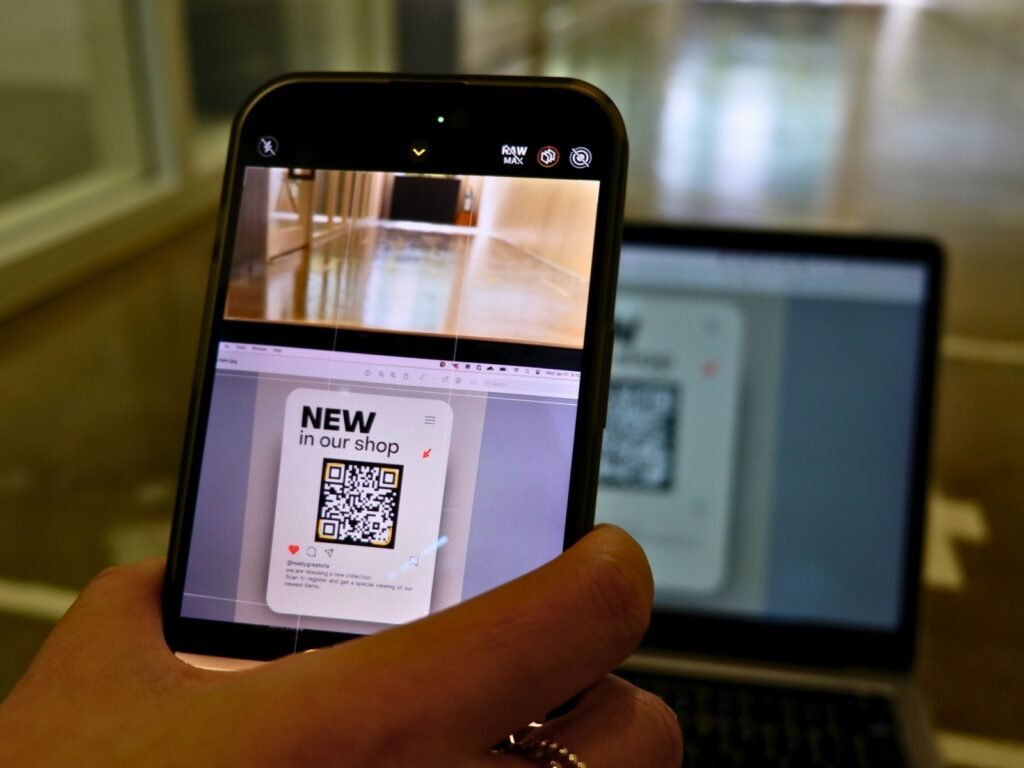
Short answer: Online certificate verification means anyone can check a certificate against the issuer’s own record by scanning its QR code or typing its ID on a verification page. The page confirms the record exists, is unaltered, has not been withdrawn and is still valid – instantly, without emails.
Employers, auditors and clients all need to trust certificates, yet email requests take days. Online certificate verification replaces that slow process with a check that takes seconds. This guide explains how it works and how to offer it on your own website.
Key takeaways
- Verification compares a certificate with the issuer’s live record.
- A QR code or credential ID leads straight to that record.
- Good portals report validity, expiry and withdrawal clearly.
- Hosting the portal on your own domain builds trust.
How online certificate verification works
- First, the issuer gives each certificate a unique ID and QR code.
- Next, the verifier scans the code or types the ID on the issuer’s page.
- Then the page looks up the record in the issuer’s register.
- Finally, it shows the result: valid, expired, withdrawn or not found.
What a good verification result shows
- The holder’s name and the award.
- The issue date and, where relevant, the expiry date.
- The current status, in clear colours.
- A reason if the certificate was withdrawn.
- The issuer’s name and domain, so verifiers know who vouches for it.
Why online certificate verification beats email checks
| Email request | Online verification | |
|---|---|---|
| Time to answer | Days | Seconds |
| Staff time | High | None |
| Available | Office hours | 24/7 |
| Record of the check | Inbox only | Verification log |
As a result, employers hire faster, auditors work more efficiently and your team stops answering the same question repeatedly.
Setting up online certificate verification on WordPress
If your website runs on WordPress, you can host the verification portal yourself. For example, with CertiQR you add a verification page with one shortcode, and every certificate you issue gets an ID and a QR code that open it. Because the page sits on your domain, verifiers see your brand, not a third-party platform.
Privacy and security considerations
Show only what verifiers need, such as name, award and dates. In addition, keep email addresses private and consider requiring the holder’s surname before showing a result. Finally, use HTTPS and keep your site updated, because the portal is part of your public trust.
Who uses online verification?
Universities verify degrees, training providers verify course certificates, and professional bodies verify memberships. Similarly, inspection firms verify safety reports, and manufacturers verify product certificates. In short, anyone who issues documents others rely on benefits from it.
Online certificate verification for different industries
Every sector uses verification slightly differently. For example, universities protect degrees against forgery, while training providers help employers confirm skills quickly. Meanwhile, safety and inspection firms use it to show that equipment checks are current. In each case, the principle is the same: the record decides, not the document.
| Sector | What gets verified |
|---|---|
| Higher education | Degrees and diplomas |
| Training | Course and CPD certificates |
| Professional bodies | Membership and accreditation |
| Safety and inspection | Equipment and site reports |
| Manufacturing | Product and test certificates |
Designing a clear verification page
The verification page is often the first contact an employer has with your organisation. Therefore, keep it simple and fast. Explain in one sentence what the page does, show where the ID appears on a certificate and place the search box near the top. In addition, show results in large, clear colours, so nobody misreads them.
Online certificate verification and fraud prevention
Fake certificates rely on people judging documents by their looks. Online verification removes that weakness, because a forged certificate either has no record or shows details that differ from it. As a result, forgers gain nothing from copying your design. Over time, simply publishing a verification page discourages fraud.
Measuring how verification is used
A verification log shows how often certificates are checked and which ones. For example, a spike in checks after a graduation tells you employers trust the system. Similarly, repeated failed lookups for one ID may signal a forgery attempt. With CertiQR, the log records each check with a hashed IP address, which protects privacy.
Getting started with online certificate verification
- First, choose where the portal will live, ideally on your own domain.
- Next, import existing certificates so past holders can be verified too.
- Then add QR codes and IDs to every new certificate.
- Finally, tell employers and holders that the page exists.
Most organisations complete these steps in a day. After that, verification simply runs in the background.
In addition, the W3C Verifiable Credentials Data Model is a useful, independent reference if you want to read further.
Frequently asked questions
QIs online certificate verification free for verifiers?
Yes. Verifiers simply open the page; they need no account or app.
QCan I verify a certificate without a QR code?
Yes. Type the credential ID printed on the certificate into the verification page.
QWhat if a certificate is not found?
Treat it as a warning sign and contact the issuer through their official website.
QCan expired certificates still be verified?
Yes. A good portal shows them as expired, with their dates.
Ready to try it?
Issue certificates with QR verification on your own WordPress site. Try CertiQR free for 7 days.

We build CertiQR, the WordPress plugin for issuing certificates and verifying them with a QR code. We write about credentials, verification and running a certificate programme.