On this page
- What learners and employers expect
- Issuing training certificates to a whole cohort
- Expiry and renewal reminders for course certificates
- Keep your logo on branded certificates
- Setting up digital certificates for training providers
- A typical week with digital certificates
- Why branded course certificates build trust
- Frequently asked questions
Short answer: Training providers issue digital certificates by creating a category per course, designing one branded template, importing each cohort from a spreadsheet and emailing every learner a PDF with a QR code that employers can scan to verify it.
For a training provider, every certificate is a small advertisement. When a learner shows it to an employer, your name is on it – and so is your reputation if nobody can check it. Digital certificates for training providers solve both problems: they are easy to share and easy to verify.
Key takeaways
- Issue a whole cohort at once from a spreadsheet or a pasted list of names.
- Email each learner their certificate automatically.
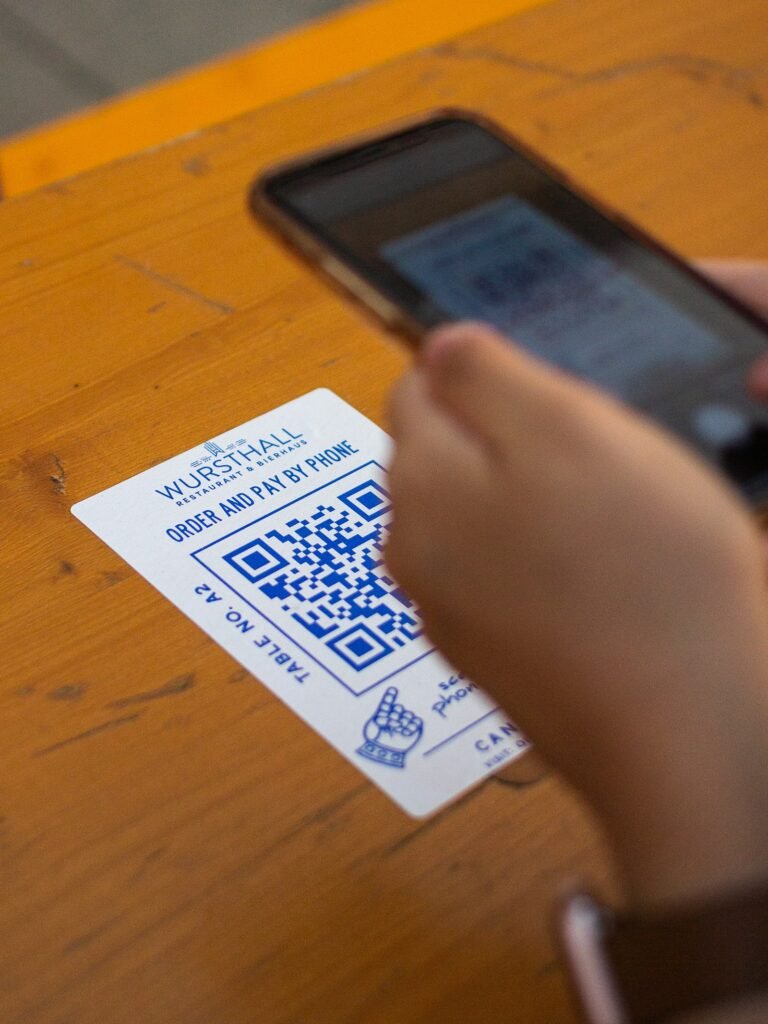
- Let employers verify by scanning a QR code – no email to your office.
What learners and employers expect
- A certificate they can download as a PDF and share on LinkedIn.
- A link or QR code that proves it is real.
- Clear dates – especially for safety training that needs renewing.
Issuing training certificates to a whole cohort
First, create a batch for the class, paste in the names or import a CSV, and issue everyone together. Each learner gets their own credential ID, QR code and certificate, and you can email, download or rebuild the whole batch in one go if you change the template.
Expiry and renewal reminders for course certificates
First aid, fire safety and equipment operation certificates usually expire. So give the category a validity period and CertiQR works out the expiry date for every learner. Renewal reminders can email them before it lapses – which is also a natural moment to book them onto the next course.
Keep your logo on branded certificates
Also, use your own certificate artwork, fonts and colours, and keep the verification page on your own domain. As a result, employers who check a certificate land on your website, not a third-party portal.
Setting up digital certificates for training providers
- First, create one category per course or qualification, with its own ID pattern and validity period.
- Next, add fields such as course name, hours, grade and instructor.
- Then design a branded template with your logo, signature and QR code.
- Finally, test the template with your longest learner name.
Once this is set up, issuing a new cohort takes minutes rather than an afternoon of copy and paste.
A typical week with digital certificates
On Monday, a course finishes and you export the attendance sheet. Then you import it as a batch, preview the rows and issue every certificate in one go. Meanwhile, each learner receives an email with their PDF and a link to the verification page. Later in the week, employers scan the QR codes and see the result instantly, so your office receives no confirmation requests at all.
Why branded course certificates build trust
Learners share certificates on LinkedIn, so every certificate is a small advertisement for your training. In addition, when an employer scans the code, they land on your website rather than a third-party portal. As a result, verification strengthens your brand instead of someone else’s.
- Use your own fonts, colours and signature.
- Keep the verification page on your own domain.
- Show your accreditation details on the result page.
- Link from the result page to your course catalogue.
In addition, the W3C Verifiable Credentials Data Model is a useful, independent reference if you want to read further.
Frequently asked questions
QCan learners download their own certificates?
Yes. Holders can download from the verification result as PDF, JPEG or PNG, and administrators can download them too.
QWhat if a learner’s name has a typo?
Edit the record and redraw the certificate. The credential ID stays the same, so the QR code already printed keeps working, and the amendment history keeps a record of the change.
QDo we need a separate platform account?
No. Instead, CertiQR runs inside your own WordPress site, so learner data stays on your server.
Ready to try it?
Issue your next cohort’s certificates with QR verification built in. Try CertiQR free for 7 days.
Can I issue certificates for online courses?
Yes. Import learners from your learning platform as a CSV, or add them one by one after each course.
Can learners add their certificate to LinkedIn?
Yes. They can download the PDF and add the verification link to the “Licenses & certifications” section of their profile.

We build CertiQR, the WordPress plugin for issuing certificates and verifying them with a QR code. We write about credentials, verification and running a certificate programme.